
Most horse businesses still book by text and voicemail. That works until you’re under a horse, out of signal, or done for the night, and three people are waiting to hear back.
Online booking won’t replace every call. It takes the routine ones off your phone: a trim on the next route day, a first lesson, a barn tour, an adjustment before a show. Here’s how to set it up so it fits the way you already work, and what your clients see when they book.
The checklist
0 of 11 on your site
Your ticks stay in this browser, so you can come back to the list.
What should I let clients book online?
Short answer
Start with visits you schedule the same way every time, like trims, lessons, training evaluations, adjustments or barn tours. Give each one a name clients recognize and the real length of the visit. Work you price after seeing the horse can stay a phone call, or come in as a request you approve.
Each kind of visit is its own service. A 45-minute barn tour, a 60-minute training evaluation and a 30-minute trim are three services, even if one person does all three.
Use the words your clients use. “Full set” means more to a horse owner than “Farrier service.” Set the length for how the visit really goes, catching the horse included.
On WWC: each service is an event type with a name, a length, an icon and, if you want, a location. Add a price if clients pay online. Clients see your services as cards on your booking page.
How do I set the hours clients can book?
Short answer
Pick the days you take bookings and the hours for each one, in your own time zone. Then set how much time you need between bookings for driving, cleanup or catching the next horse. Clients only see the times that fit.
Open only the hours you’ll keep. If Mondays are for shoeing at home or hauling to a show, leave Monday off. It’s easier to add times later than to move clients who already booked.
Time between bookings is your cushion. A farrier driving between barns might need an hour. A lesson barn might need 15 minutes to swap horses and riders.
On WWC: weekly hours are one start and end time for each day, plus your time zone. Time between bookings runs from no gap up to two hours, and it applies to every booking. Anything already on your calendar, including visits you add yourself, blocks that time.
There’s no minimum-notice setting, so a client can pick an open time later the same day. If that won’t work for a service, turn on approval for it.
What if I go to the client’s barn?
Short answer
Make where it happens part of the service. Set up “Trim at your barn” and “Lesson at our arena” as separate services, each with its own place and length. Ask for the barn address in the booking, and leave time between bookings for the drive.
If you do both farm calls and haul-ins, offer both. Clients pick the one they want, and you know where you’re headed before you leave the house.
Put your service area on your website: the towns you cover and which days you’re in each one. Clients can check before they book instead of asking. Online booking won’t check the distance for you, so if people outside your area might book, turn on approval and sort out the route before you confirm.
On WWC: each service has a location, like “At your barn” or “Covered arena,” and an optional details line for things like a gate code, parking, or “Have horses caught and tied.” Clients see both on the service, and the location is in their confirmation. Use the intro on your booking page to ask for the barn address and how many horses, and clients can add it in the notes.

Should bookings go through right away or wait for my OK?
Short answer
Let repeat visits with a set length book right away, and have new clients, evaluations and barn tours send a request you approve. Instant booking saves you a step, and approval keeps you in charge of your route and your barn. You choose for each service.
Approval makes sense when you need to know the horse or the rider first, or when a visit has to fit a route. Instant booking works for clients you know and visits with a set length, like a 30-minute lesson.
On WWC: each service either books right away or goes as a request, and clients see which before they pick. A request shows as Needs your OK on your schedule. You also get an email with an Approve booking button that works once. When you approve, the client gets an email saying they’re booked.
From your calendar you can decline a request, or update, complete or cancel any booking.
Should clients pay when they book?
Short answer
For services with a set price, taking payment at booking means you’re not chasing money after the visit. For work you price after you see the horse, send a payment link when you’re done. WWC has no separate deposit setting; for a deposit, send a bill for that amount.
There are three ways to handle it:
- Pay when they book. The client goes straight to checkout after picking a time. Good for set prices, like a lesson or an evaluation.
- Pay after you approve. If the service needs your OK, the client gets a link to pay once you approve. Nobody pays for a request you turn down, so there’s nothing to refund.
- Pay by link later. Leave payment off the service and send a bill when the work’s done. Good for farm calls where the total depends on how many horses you did.
On WWC: turn on payment for a service and set its price, and clients see “Payment required” on it. Connect your payment account on the Payments page first. For a deposit, or a bill after the visit, make a bill for the amount and email it, or copy the pay link into a text. A pay link works for a week. WWC adds no transaction fee; your payment provider’s own fees apply1.
How do I add a booking button to my website?
Short answer
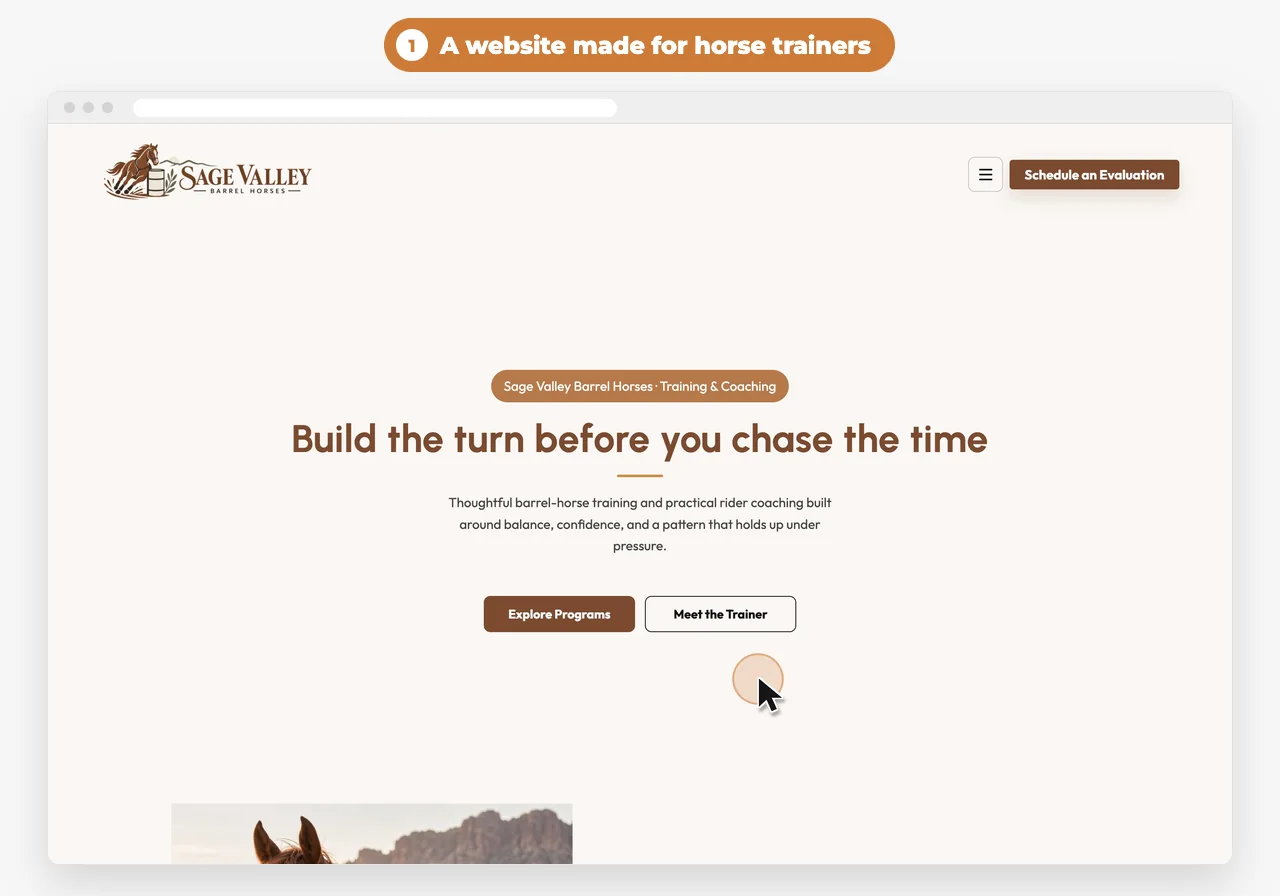
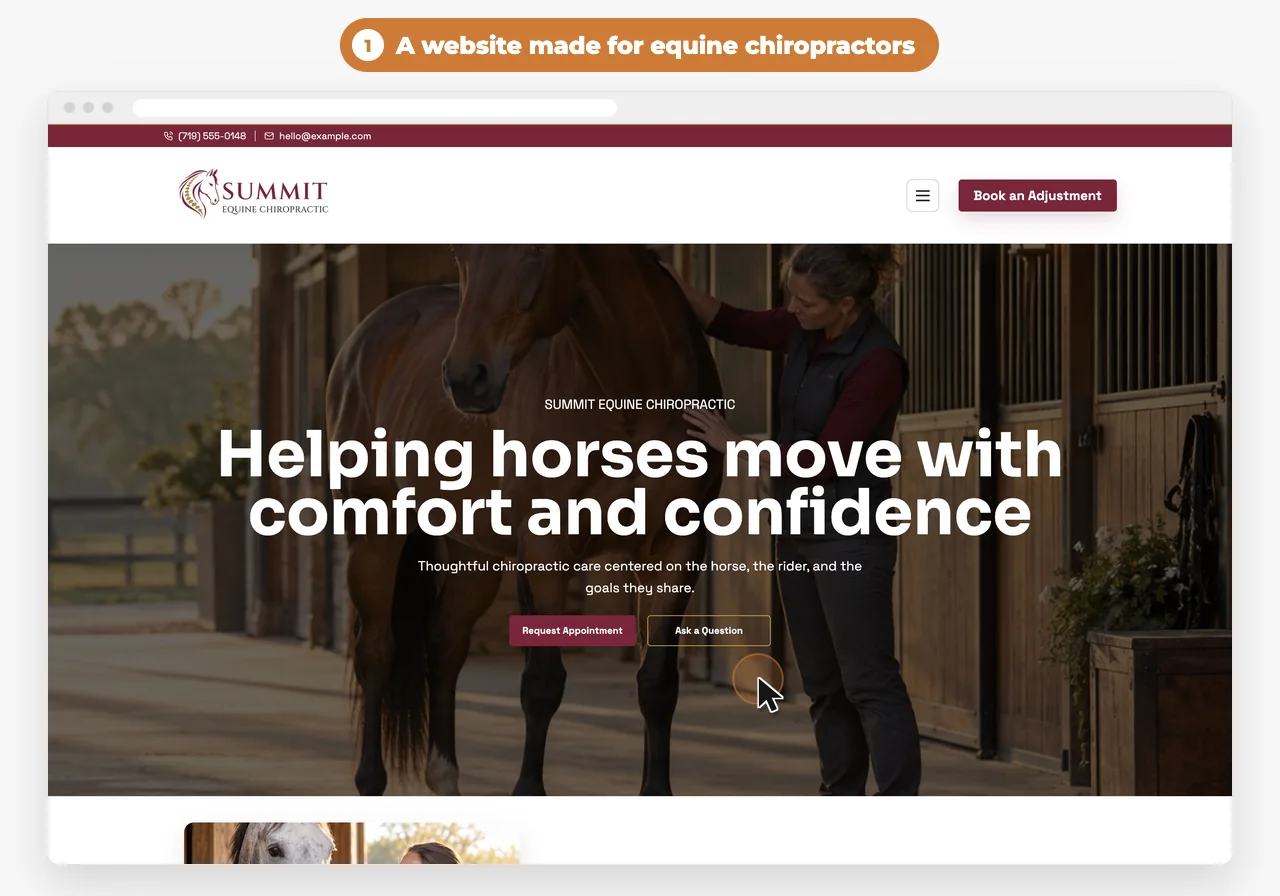
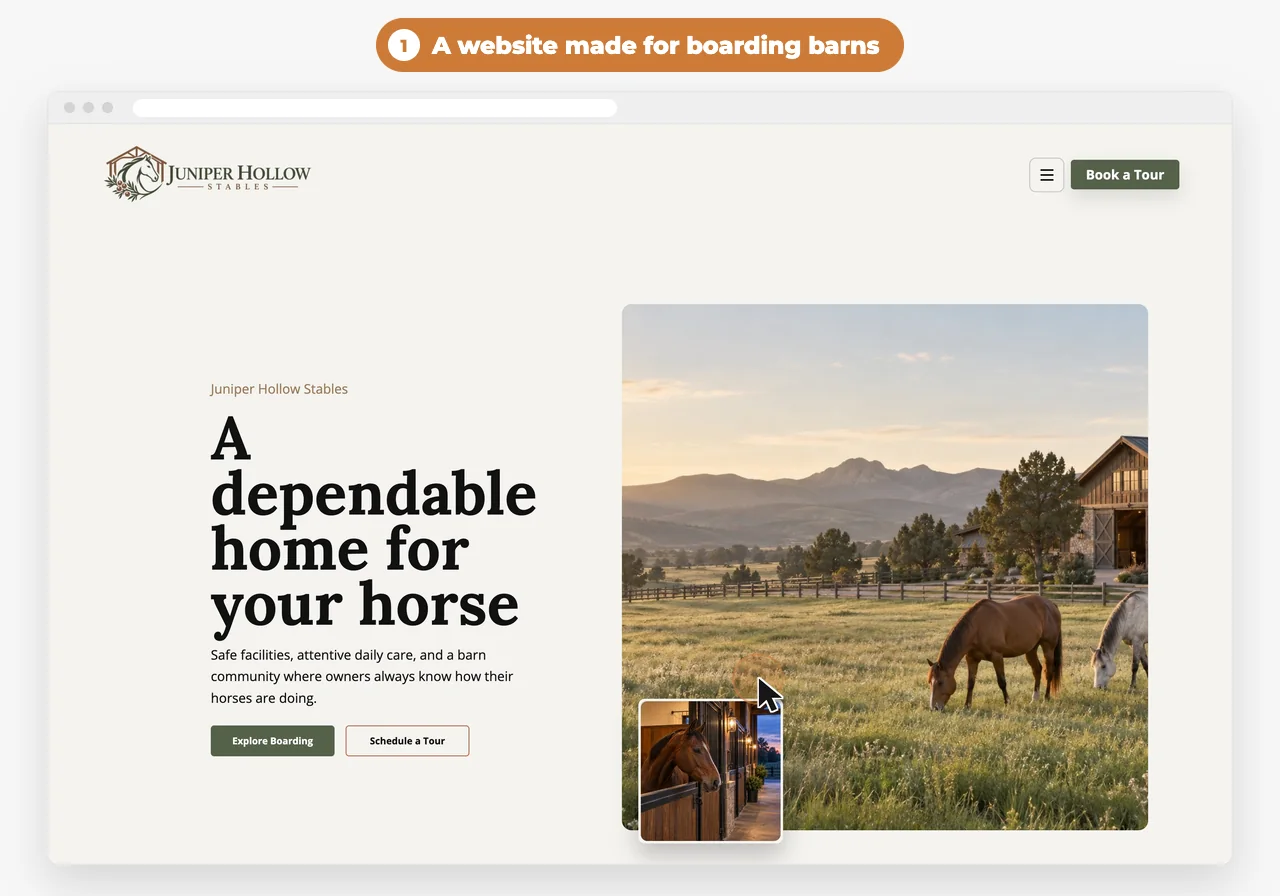
Put a booking button in your website’s header so it’s on every page, and add it again near your services and prices. Name it for what clients are booking, like “Book a Tour” or “Request an Appointment.” Then share the same booking link in texts, emails and on your Facebook page.
A contact form starts a back-and-forth. A booking button ends with a time on your calendar.
Match the words to the visit: “Book a Tour” for a boarding barn, “Schedule an Evaluation” for a trainer, “Request an Appointment” for a farrier who approves each visit. If a service needs your OK, “Request” tells clients what to expect.
On WWC: click a button on your website and choose Booking Calendar as its link. Your booking page also has its own link, so you can copy it from the Scheduling page and text it to a client.
What do clients see when they book?
Short answer
Three short steps: pick a service, pick a day and time, then leave their name, email, phone and horse. They don’t need an account. When they’re done, they see the booking repeated back and get an email.
- Pick a service. Each one shows its length and location, whether payment is required, and whether it books right away or goes as a request.
- Pick a time. Only open times show, in your time zone.
- Their details. Name, email and phone, the horse’s name, and notes like goals or the horse’s history. A parent can book for a child, and a client can add anyone else coming along.
Then they see “You’re booked” or “Request sent,” with the day, time and place. They get an email either way, and another when you approve a request. You get an email for every new booking or request, and the client and their horse are saved to your contacts.
The booking page carries your logo and a short intro you write, and it can use your website’s colors. If a client’s signal drops partway through, the page holds on to what they typed and tries again when they’re back online.
Do I need a separate booking app?
Short answer
Not if your website includes booking. Bought on its own, Calendly Standard is $12 a seat a month and Acuity Scheduling Starter is $20 a month, billed monthly, and neither one is your website. On Western Web Co., booking comes with your website in the $39.99/month plan.
A separate booking app works, but it’s one more login, one more bill and one more client list. Calendly’s Standard plan is $12 a seat a month billed monthly, its first plan that takes payments2. Acuity, the booking tool Squarespace uses, is $20 a month billed monthly on Starter3, and its intake forms can’t capture e-signatures4.
On WWC, your booking page, calendar, contacts and payments sit with your website. $39.99/month. One price for everyone1. See how it works on the scheduling page.
More questions
Do clients need an account to book?
No. They book with their name, email and phone, and the booking is saved on their contact in your account.
Can clients cancel or reschedule online?
Not on their own. Their confirmation tells them to contact you, and you can update or cancel the booking from your calendar.
Can I add bookings myself?
Yes. Put the visits you book by phone or text on your calendar too, so everything is in one place. Those times are blocked for online booking.
How do new clients sign my release before the first visit?
Add a button on your website that opens your release, or send them its signing link. They sign on their phone, and the signed copy is saved on their contact record. Ask your attorney what your state requires.
 Written by the Western Web Co. team. We’re family owned and build WWC in Cave Creek, Arizona.