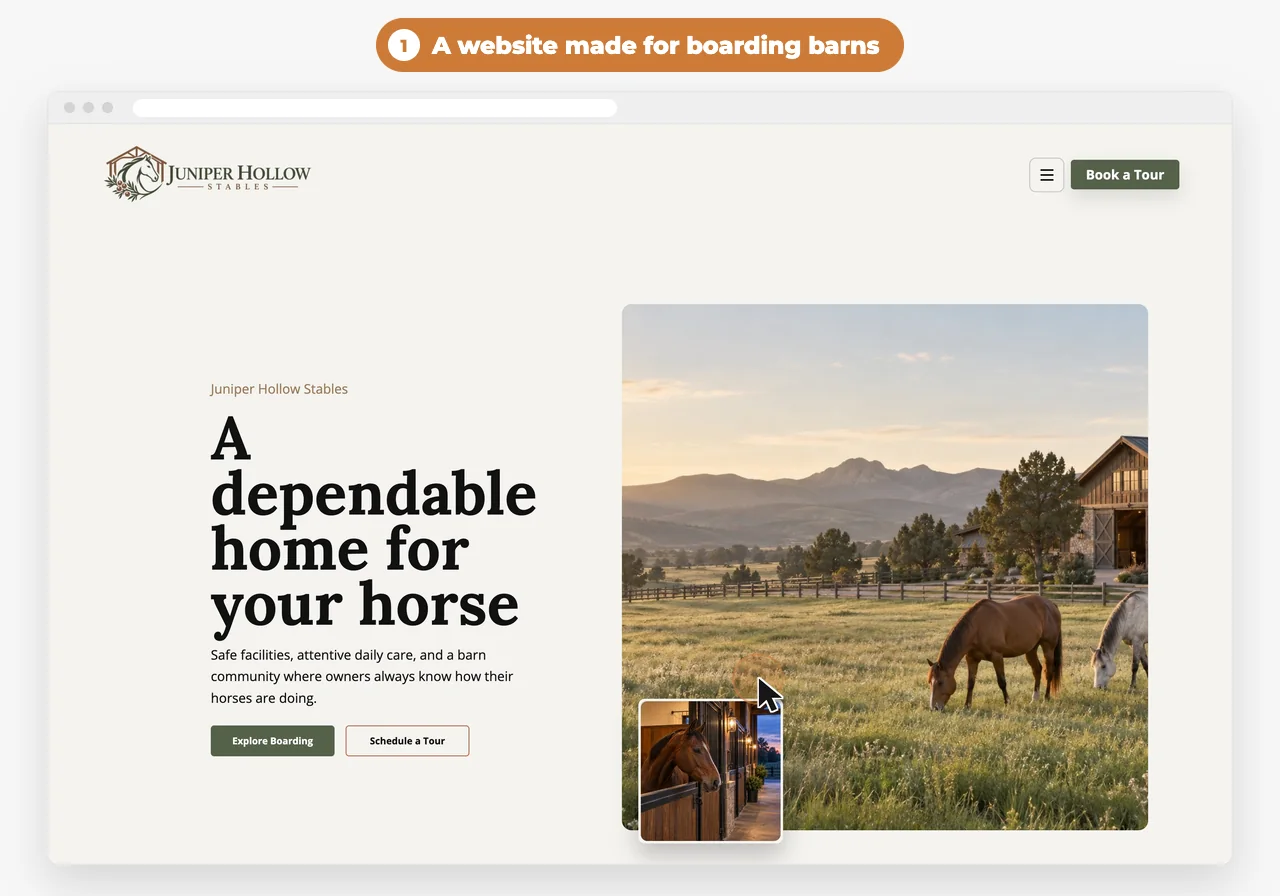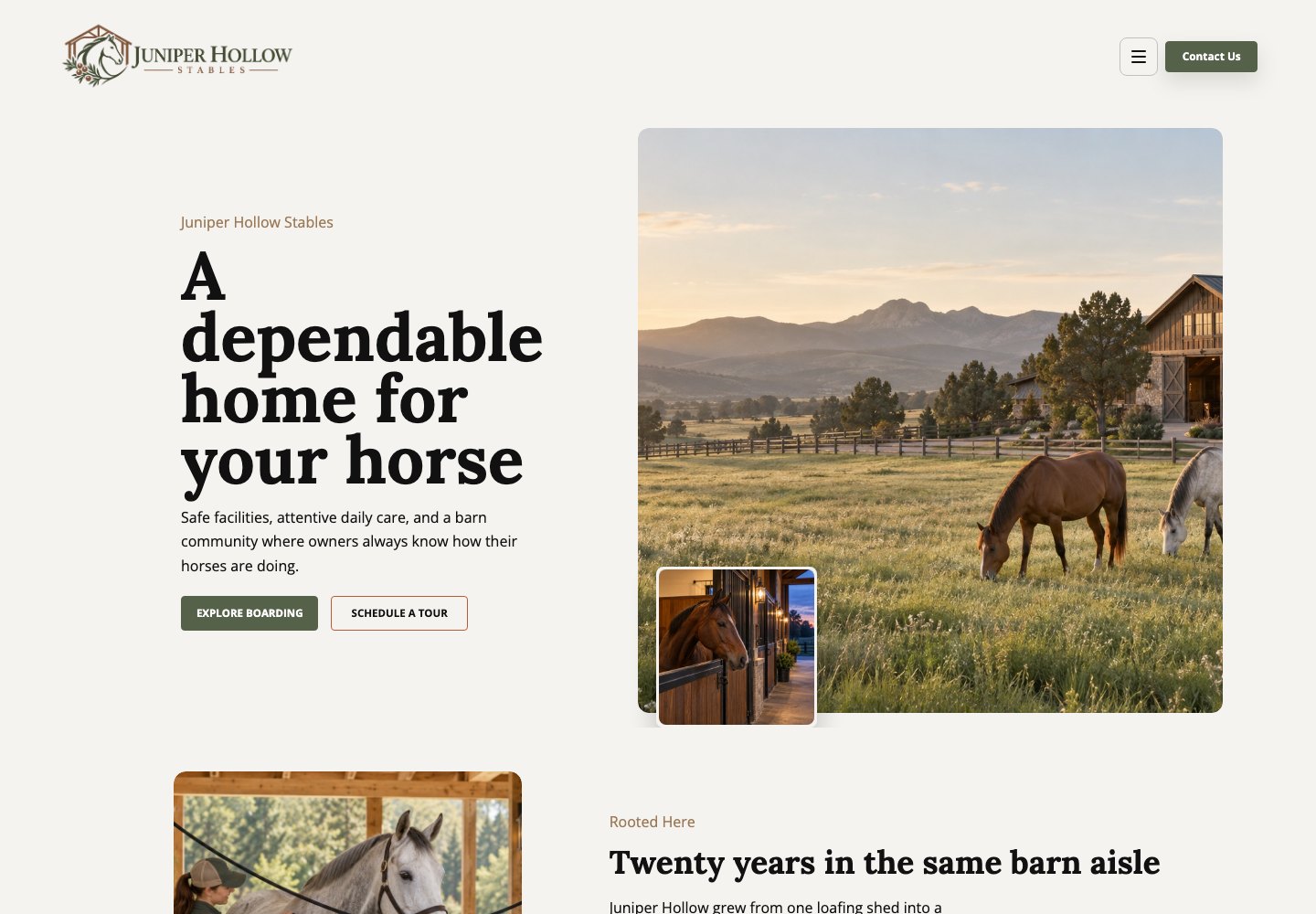
Most people pick a barn after they’ve walked the aisle, not from a website. The website’s job is to answer the first round of questions, so the right owners book a tour and the wrong fits don’t take up your evening on the phone.
Here’s what to put on it, in about the order owners look for it. Tick off what your site already has.
The checklist
0 of 15 on your site
Your ticks stay in this browser, so you can come back to the list.
Should a boarding barn post its board rates?
Short answer
Yes, or at least a “starting at” rate for each kind of board. Price is the first thing most people ask, and posting it saves you calls from people who aren’t a fit.
List each kind of board you offer, like pasture, full stall, training and self-care, with the monthly price and what it includes: how often horses are fed, hay, turnout, stall cleaning, blanketing, fly masks, and holding horses for the vet and farrier.
Put add-ons on the same page so nobody’s surprised later: supplements you feed, extra blanket changes, trailer parking.
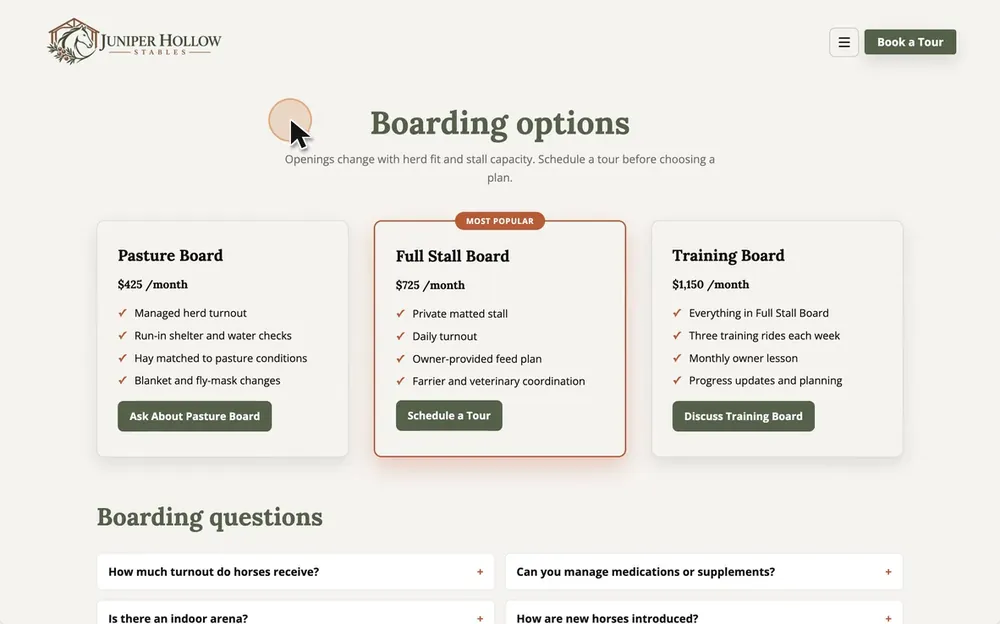
On the design: Juniper Hollow: pasture board $425, full stall board $725 and training board $1,150 a month, each with four lines on what’s included.
 With WWC: When hay goes up, click the price on your site and type the new one. After your first publish, every save goes live right away.
Should I show stall openings on my website?
Short answer
Yes. Say whether you have stalls or pasture spots open, or a waitlist. Owners shopping for a barn want to know before they drive out.
Keep it to one line near the top of your boarding page, like “Two stalls open for December” or “Pasture full, waitlist open.” Add the date you last changed it, so people can tell it’s current. A “stalls available” line from last spring does more harm than no line at all.
If openings depend on herd fit or a horse’s needs, say so.
On the design: Juniper Hollow: “Openings change with herd fit and stall capacity. Schedule a tour before choosing a plan.”
What should a barn website say about daily care?
Short answer
Spell out what happens every day: feeding times, hay, turnout, water checks, the night check, and who does them. That routine is what boarders pay for, so it’s the part they read closest.
Be specific. “Fed twice a day” tells an owner less than “Grain at 6 a.m. and 5 p.m., hay three times a day.” Say how turnout works: alone or in groups, how many hours, and what changes in mud season or winter.
- 6:00 a.m.Grain and hay. Water checked.
- 7:30 a.m.Turnout in small groups.
- NoonHay. Water and fence check.
- 4:30 p.m.Bring in, grain, stalls picked.
- 9:00 p.m.Night check and last hay.
Say whether someone lives on the property. For a lot of owners, that settles it.
What photos should a boarding barn website have?
Short answer
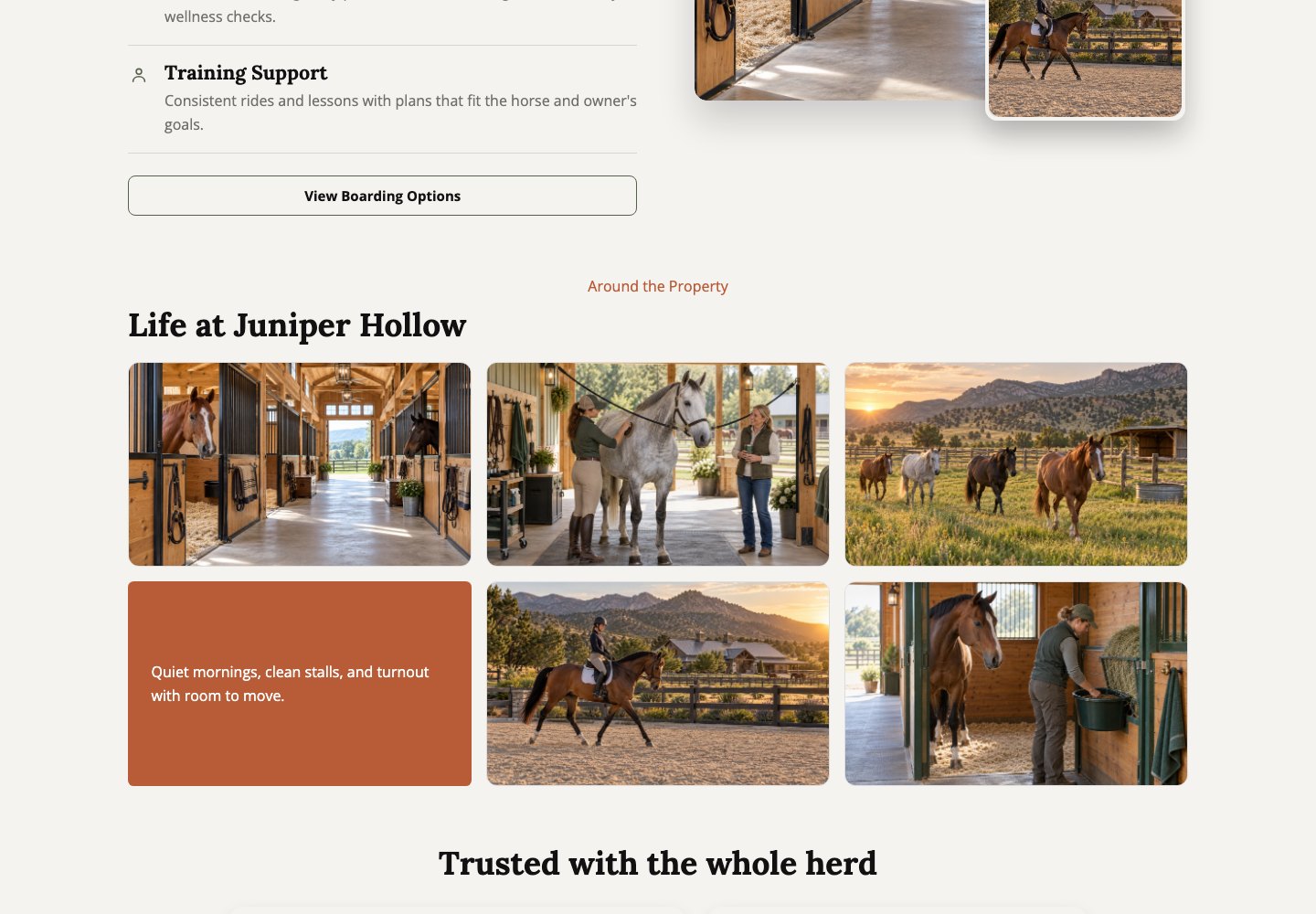
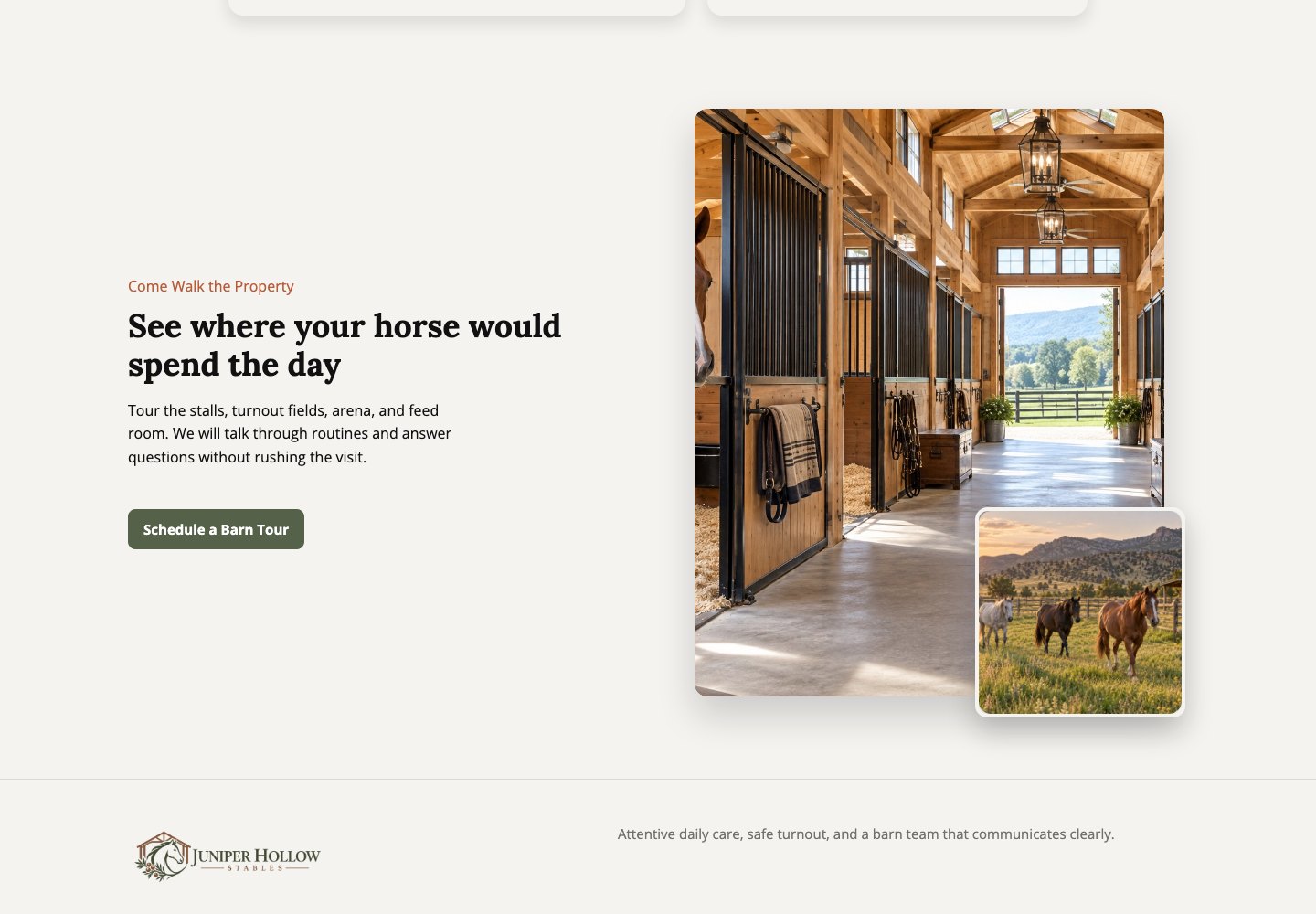
Real photos of your aisle, stalls, turnout, arenas, wash rack and tack room, taken in good light. Skip stock photos. Owners want to see where their horse will live.
Shoot on a clear morning or late afternoon, with the aisle swept and the hoses coiled. Get one wide photo of each area and one close-up: the stall mats, the arena footing, the tack lockers.
Under the photos, list what people ask about: arena size and footing, lights, covered or indoor riding, round pen, hot water at the wash rack, trailer parking, trail access and riding hours.
With WWC: Click any photo on your site to swap in your own.
What barn rules and health requirements should I post?
Short answer
Post what a horse needs before move-in, like a negative Coggins and current vaccinations, and your deworming, farrier and vet policies. Add the rules people ask about: riding hours, outside trainers, guests, kids and dogs.
Posting these up front saves an awkward talk after move-in. The full rules belong in your boarding agreement. The website only needs the parts people use to decide.
On the design: Juniper Hollow asks for current vaccinations and a negative Coggins before arrival.
With WWC: Keep a copy of each horse’s Coggins on its record in WWC. WWC stores the file; it doesn’t track expiry dates or send reminders.
Can boarders sign the boarding agreement online?
Short answer
Yes. E-signed agreements are common, and new boarders can sign your boarding agreement and release on their phone before move-in day. Ask your attorney what your state requires.
Most barns have a boarding agreement and a release, and many add an emergency vet authorization and a form for the horse’s feed, medications, vet and farrier.
Have your attorney review the wording before you send it out.
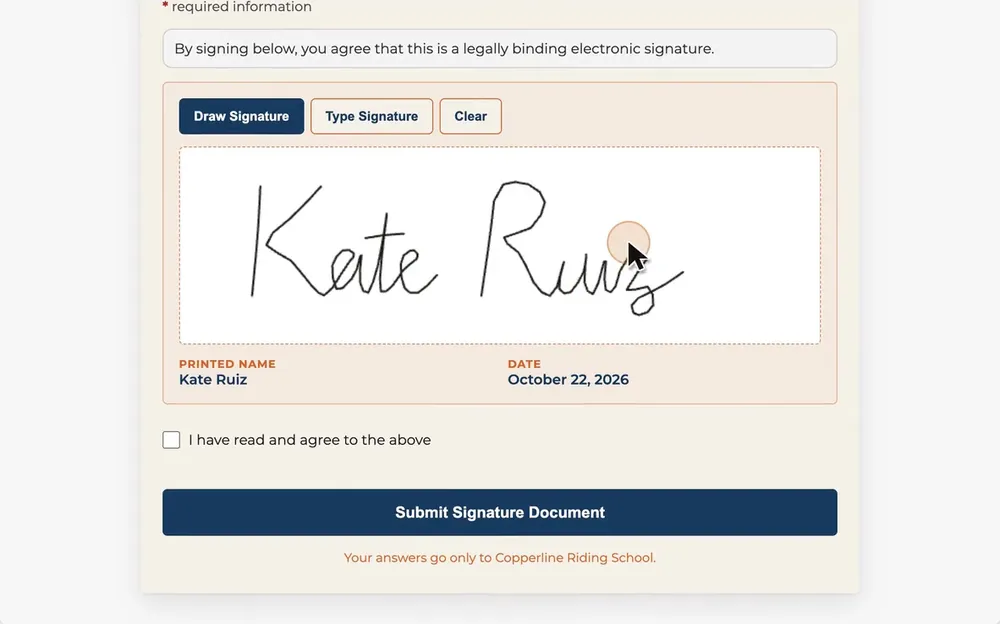
With WWC: Add your agreement as a signature document and send the link. Boarders sign on their phone without making an account, and the signed copy is saved in your WWC account.
How do I let horse owners book a barn tour online?
Short answer
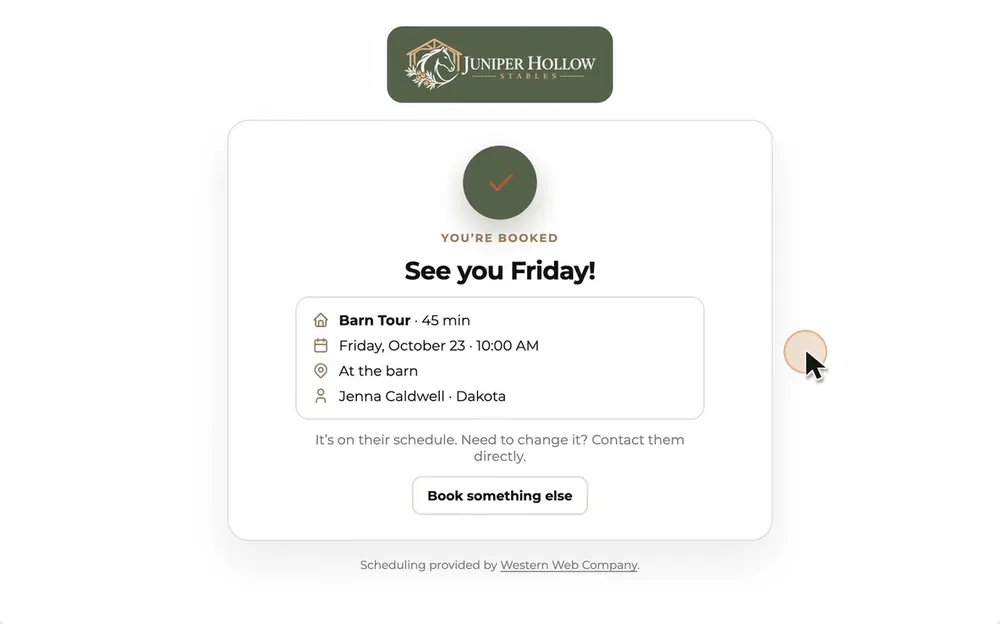
Make the barn tour a bookable time on your website, with the length and days you choose, and put a “Book a barn tour” button on every page. The request comes in with their name, phone and horse, so nobody’s trading voicemails.
Pick times that fit around chores, like Saturday mornings. Turn on approval if you want to OK each visit before it’s confirmed, and ask for the horse’s name so you know who’s coming.
With WWC: Make “Barn tour” a scheduling event, like 45 minutes on Saturdays only, with approval on if you want it.
- 1Pick “Barn Tour”
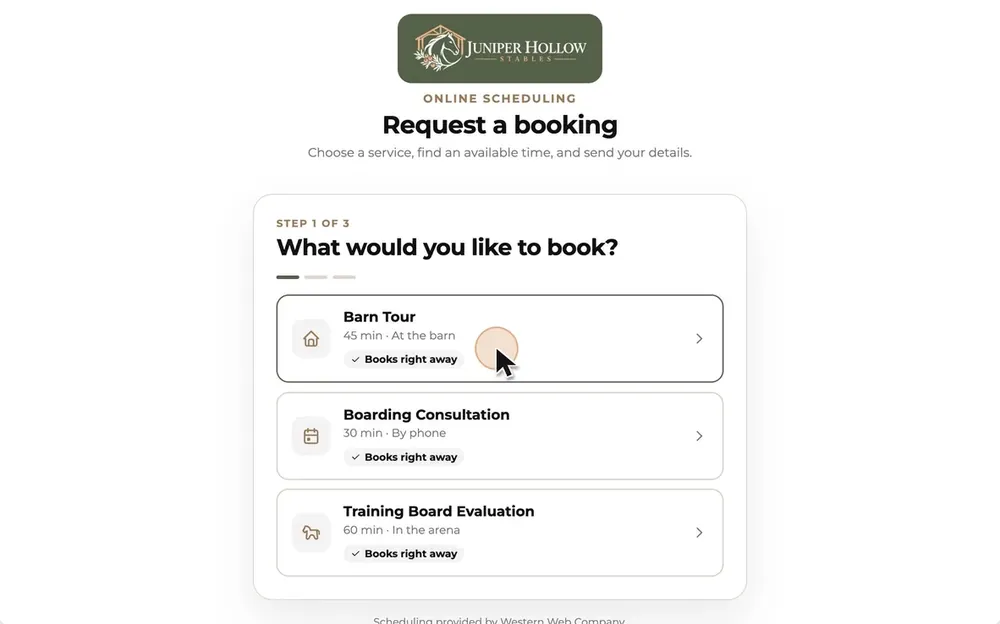
- 2Pick a time
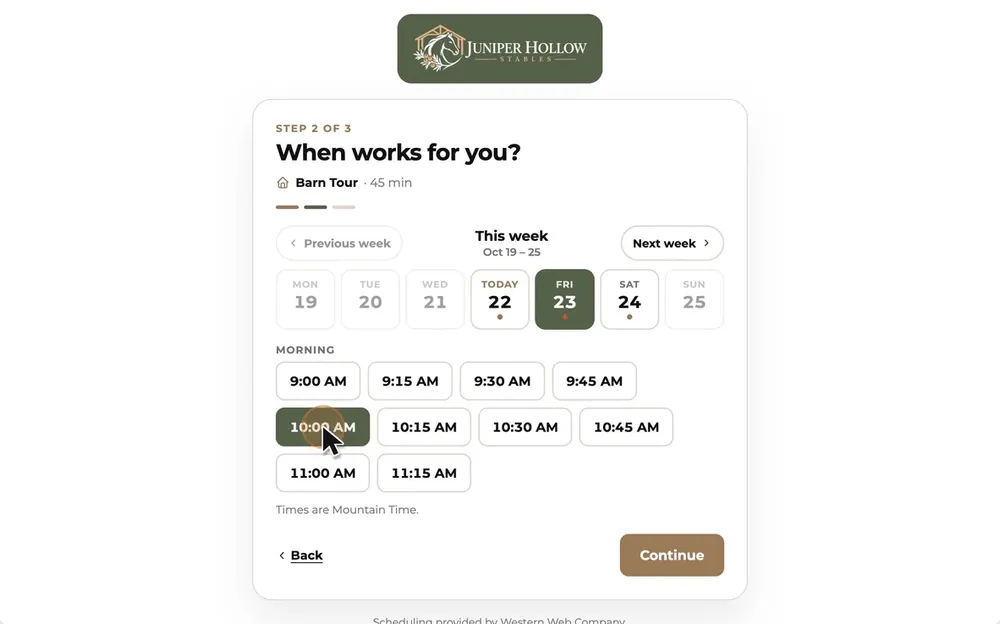
- 3Name, phone, horse
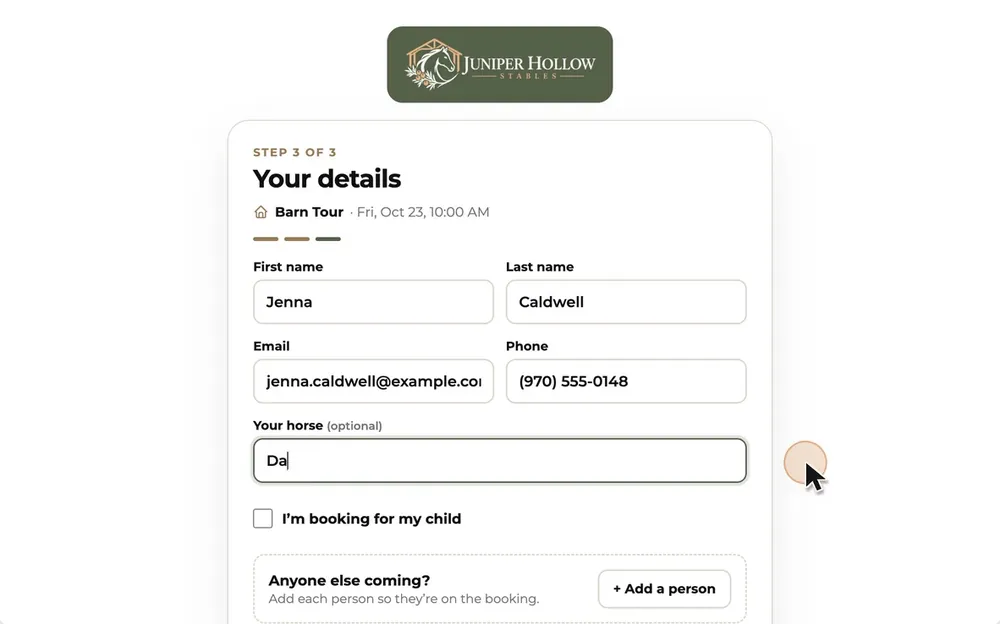
- 4Booked
What else should a boarding barn website include?
Short answer
Your town and the drive from the nearest landmark, who runs the barn and for how long, a few words from current boarders, and answers to the questions you get every week.
You don’t have to post your street address. The town and “15 minutes north of the feed store” is enough until someone books a tour.
An FAQ saves you repeating yourself. Barns get the same ones every week: turnout in winter, blanketing, bringing your own trainer, and how new horses are introduced.
On the design: Juniper Hollow’s FAQ covers Coggins and vaccination records, deposits and boarding agreements.
Does a barn website need to work on phones?
Short answer
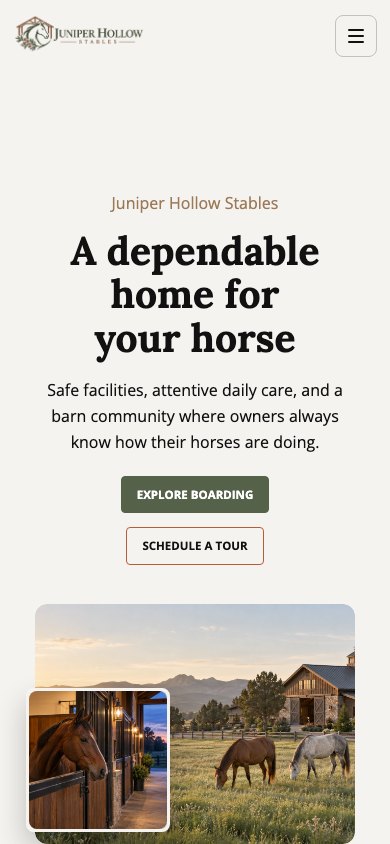
Yes. Plenty of people will look you up on their phone, from the truck or the barn aisle, so your rates, photos and tour button have to read well on a small screen.
Open every page on your own phone before you share the link. Make your phone number real text people can tap, not part of a picture.
With WWC: The editor has a phone view, so you can check each page as you go.
How much does a boarding barn website cost?
Short answer
With Western Web Co. (WWC), it’s $39.99/month. One price for everyone. That covers your website, hosting, barn tour booking, online agreements and waivers, online payments and real support, and our team will build the website for free.
Bought separately on monthly plans, a website, a booking tool and a waiver tool came to $59 a month when we checked.123 Paying a year up front lowers some prices: Wix Core is $29/month billed yearly ($348 up front) and includes booking, payments and a form signature field.4
Hiring the build out costs more. GoDaddy’s design service starts at $499.99 plus a yearly hosting fee,5 and Wix Marketplace designers list starting prices of $100 to $1,800.6 Your own .com through WWC is $10.88 a year, the registrar’s price with no markup.7
- Website · Squarespace Basic1$25.00
- Tour booking · Calendly Standard2$12.00
- Agreements · Smartwaiver Basic3$22.00
- Bought separately$59.00
- WWC, with payments and records$39.99
Per month. WWC adds no transaction fee; the payment provider’s own fees apply. Checked October 22, 2026. Sources
What should I leave off a barn website?
Short answer
Anything stale or fake: an old openings line, stock photos, rates hidden in a PDF, and pages that say “coming soon.” Each one makes owners wonder what else is out of date.
- A “stalls available” line you haven’t touched in months
- Stock photos of horses that aren’t yours
- Rates buried in a PDF download
- A phone number that’s part of a picture
- Music or video that plays with sound
- Pages that say “coming soon”
Questions barn owners ask
Do I need a website if my barn has a Facebook page?
Facebook is good for news and photos. A website keeps your rates, rules, agreement and tour booking in one place under your own name, and it can show up when someone searches for boarding near your town.
What pages does a boarding barn website need?
Most need six: Home, Boarding (rates and what’s included), a Gallery of the facilities, About, FAQ, and Contact with a tour button. The Juniper Hollow Stables design starts with those six.
Can I collect board online?
Yes. With WWC, send a payment link for monthly board or a deposit to hold a stall. WWC adds no transaction fee; the payment provider’s own fees apply.
How often should I update my barn website?
Whenever something a boarder would ask about changes: openings, rates, rules or tour days. Check the openings line at least once a month.
 Written by the Western Web Co. team. We’re family owned and build WWC in Cave Creek, Arizona.