Most farrier work still comes by word of mouth. But when a barn manager passes your name along, a lot of people look you up before they ever text you. A good website answers their first questions for you: do you come out this far, what does a trim cost, and are you taking anybody new.
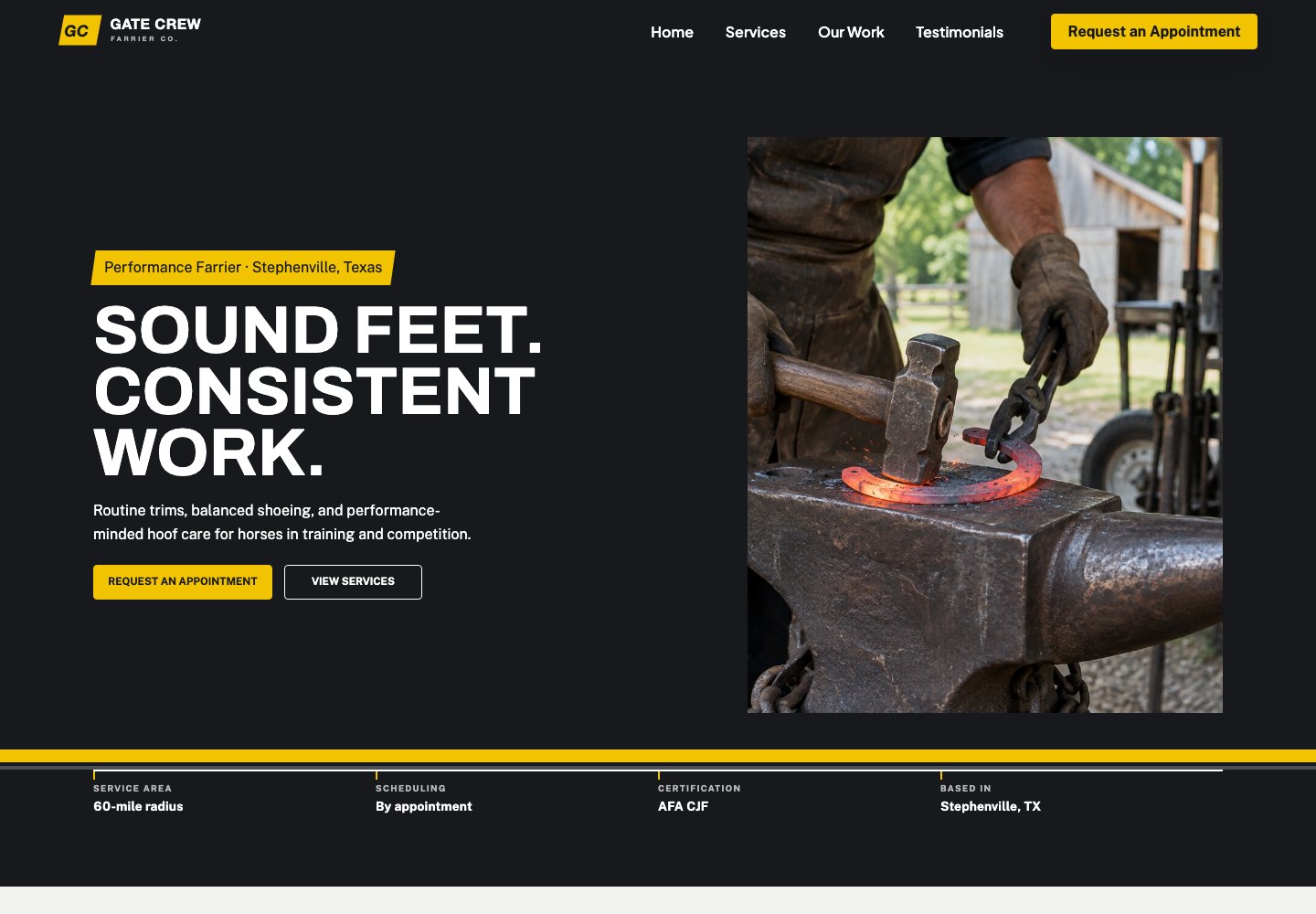
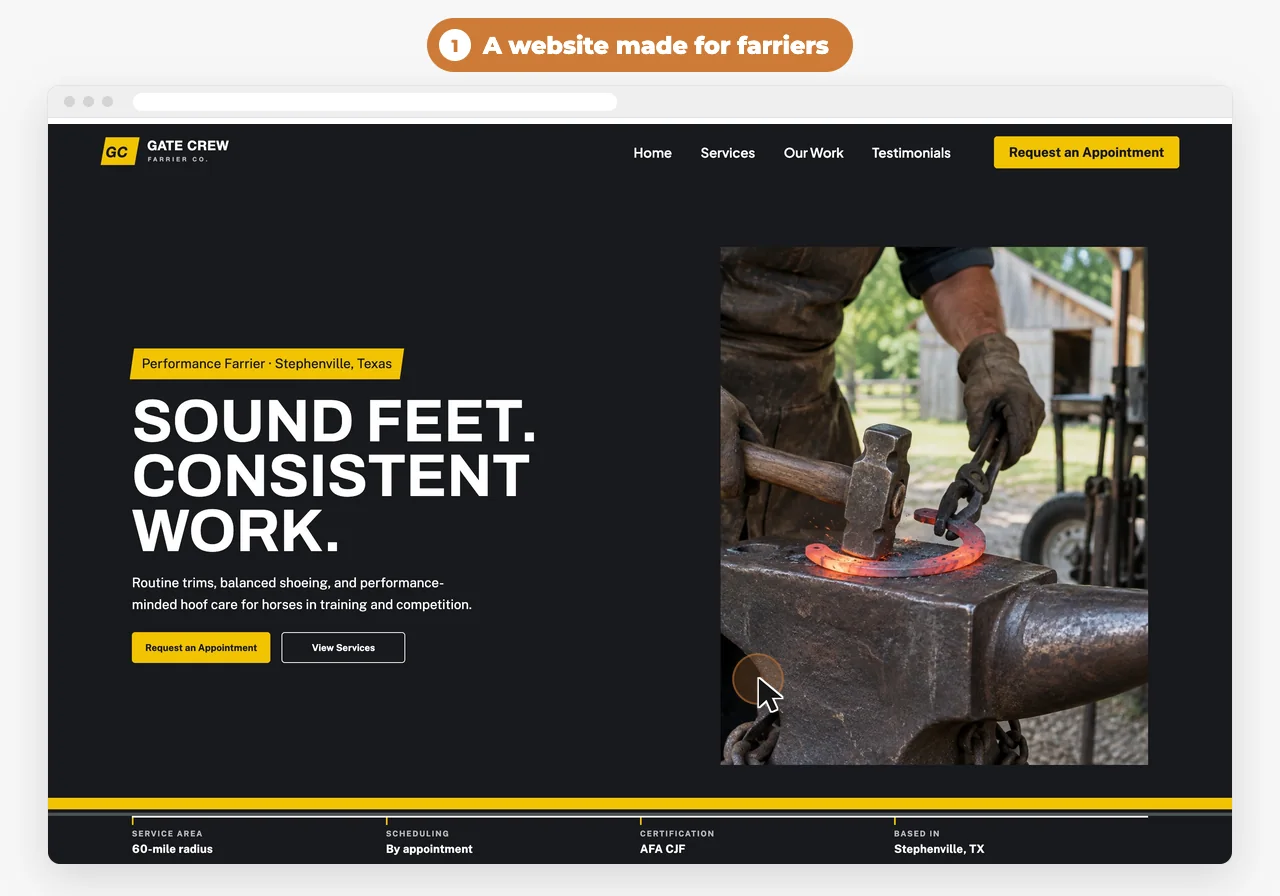
This guide covers what to put on the site, in about the order clients look for it, and how to get it live with Western Web Co. (WWC). The examples come from Gate Crew Farrier Co., a pre-built WWC design for a performance farrier in Stephenville, Texas. You can see it, and watch a client book a visit on it, on Websites for farriers.
The checklist
0 of 14 on your site
Your ticks stay in this browser, so you can come back to the list.
How do I show my service area and route days?
Short answer
List the towns you cover and which day you’re in each one, plus any farm-call or travel fee. A client should be able to tell in a few seconds whether you come out their way, without calling.
Write it the way you’d say it at the feed store: “Monday, Stephenville and Dublin. Tuesday, Granbury and Glen Rose.” Town names work better than a radius, because most people don’t know how many miles out they are. If you’ll go farther for a bigger barn or a show, say so.
Put your route on the home page and the contact page. When it changes, change the site the same day. An old route sends people to somebody else.
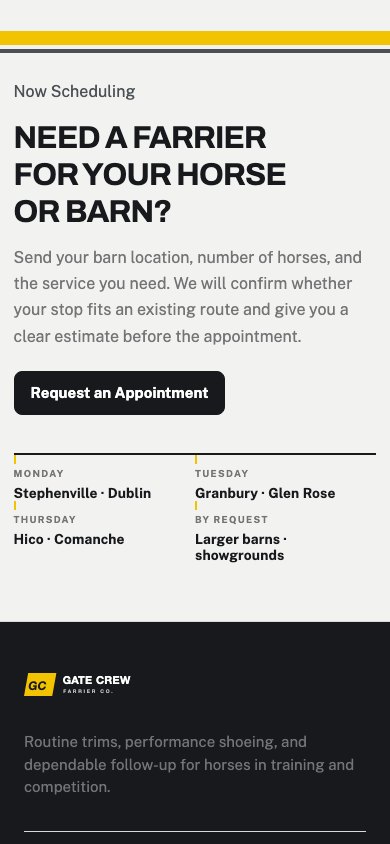
On the design: Gate Crew lists Monday, Tuesday and Thursday routes, takes larger barns and showgrounds by request, and schedules routine calls within about 60 miles of Stephenville.
 With WWC: Click the route text on your site and type the new towns. After your first publish, every save goes live right away.
Should a farrier post prices online?
Short answer
Yes, as starting prices. A line like “Barefoot trim $65+” answers the first thing a new client asks, and the plus sign leaves room to quote corrective or vet-directed work after you’ve seen the horse.
List each service the way clients ask for it: trim, front shoes, full set, reset. Under each one, say what’s included, like “trim all four, shoe the fronts.” Then name the extras you price separately, such as pads, clips, traction and pour-ins.
Say plainly which work you quote after you’ve seen the horse. Therapeutic shoeing done from a vet’s plan is hard to price over the phone, and clients take that fine when you tell them up front.
On the design: Gate Crew shows sample prices of barefoot trim $65+, front shoes $175+ and full set $260+, each with a line on what’s included. They’re placeholders for your own prices.
With WWC: When steel goes up, click the price on your site and type the new one.
Should I say whether I’m taking new clients?
Short answer
Yes. Put one line near the top: taking new clients, taking them on certain routes, or full for now. Then say what you need from a new client first, like the barn address, how many horses and what each one wears now.
“Are you taking new clients?” is one of the first things a stranger asks a farrier. Answering it on the site saves you a pile of “sorry, I’m full” texts, and it tells the right people how to get on your list.
If you’re full, say so, and say whether you keep a waitlist. If you only take new horses where they fit a route, say that too.
On the design: Gate Crew’s FAQ says new horses are considered by location, service needs and space on the route, and asks for the barn address and number of horses to check availability.
What should clients have ready at the appointment?
Short answer
Say it on the site so you don’t have to say it at every stop: horse caught, clean and dry, on level ground with good light. Ask clients to tell you ahead of time about behavior problems or if the horse needs sedation.
While you’re at it, say how often you like to see a horse and what to do about a lost shoe between visits. Clients who know the plan are easier to keep on a cycle.
On the design: Gate Crew says many performance horses are seen every four to six weeks, with the timing set for each horse, and asks owners to report lost shoes or schedule changes before the visit.
Can clients book a farrier visit online?
Short answer
Yes. Make trims and shoeing bookable, turn on approval so you can check that a barn fits a route before you confirm, and leave time between appointments for the drive. The client picks a time and sends their details, and you approve it or call them back.
You probably don’t want a stranger landing on your calendar sight unseen. Approval takes care of that: the request comes in as pending, and nothing is confirmed until you say so.
Ask for what you need to place them on a route. A line in the service description like “Put your barn address and how many horses in the notes” does the job.
With WWC: Each service is a bookable event with its own length and price, with approval on or off. Set the days and hours you take bookings and a minimum time between appointments for drive time. Clients book from your website without making an account, and give their name, phone, email, horse and notes.
What photos should a farrier website have?
Short answer
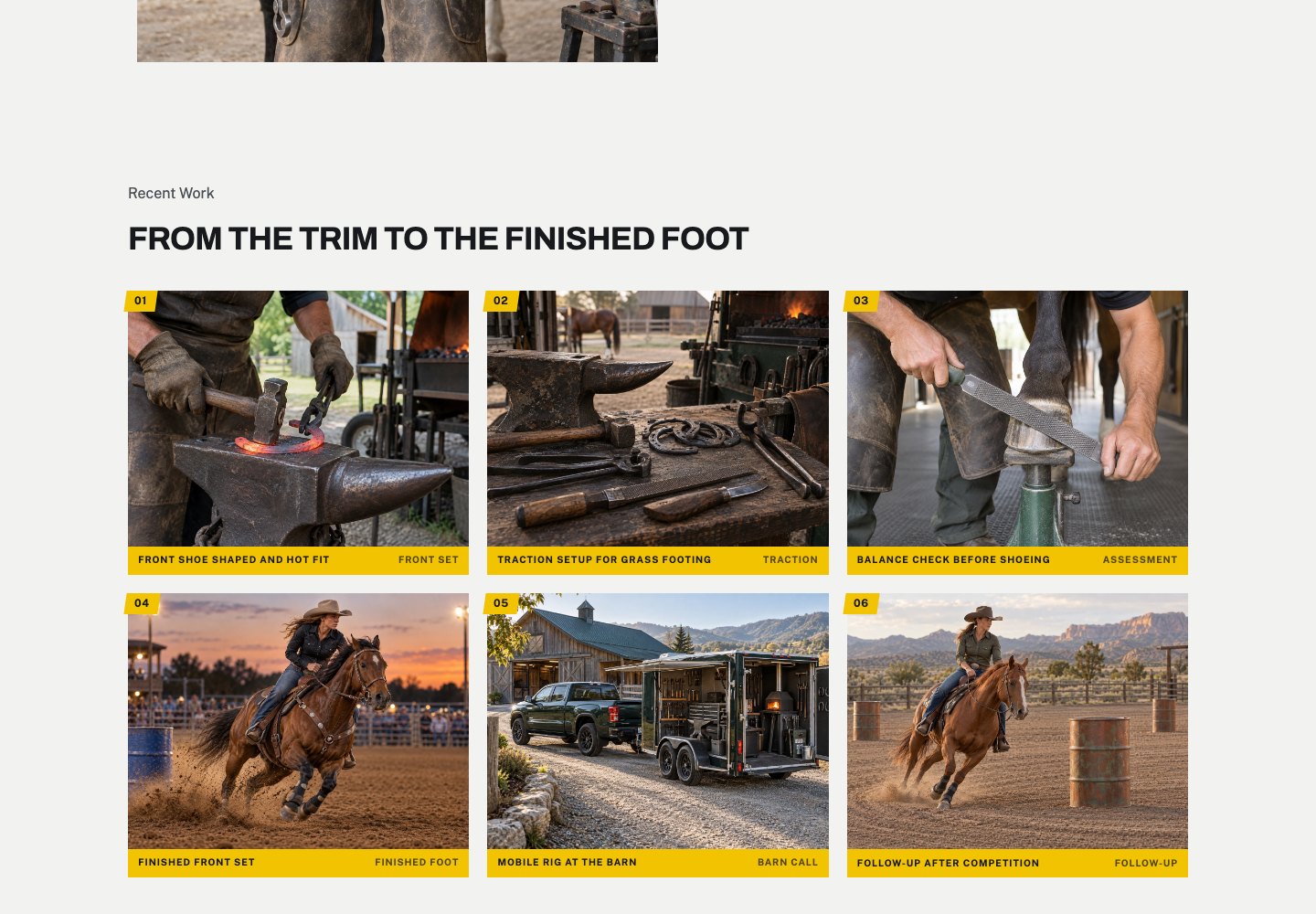
Your own work: finished feet from the front and side, a few before-and-afters, your rig, and you under a horse. Skip stock photos. Clients want to see your work, not somebody else’s.
Take them right after you finish, before the horse walks off into the mud. Open shade is easiest, with the foot on a clean, flat surface. A phone camera is plenty.
Ask the owner before you post their horse, and leave the barn name out if they’d rather.
Next to the photos, add what people use to size up a farrier they’ve never met: certifications like AFA, how many years you’ve been shoeing, the disciplines you work with, and whether you work with vets on therapeutic cases.
With WWC: Click any photo on your site to upload your own, then resize and crop it to fit.
How do clients pay a farrier online?
Short answer
Send a payment link by text or email when you finish the last horse. The client pays on their phone, and you’re not waiting on a check in the mail.
A link works well for barn calls where the owner isn’t standing there. List the work on it so they see what they’re paying for: a trim, a reset, a pulled shoe.
With WWC: Create a quick invoice, copy the payment link and text it. The payment shows on that client’s record. WWC adds no transaction fee; the payment provider’s own fees apply.
How do I get a farrier website live with WWC?
Short answer
Start your free trial, then pick a pre-built design or a blank page and click anything to make it yours. Or click “Have WWC build it,” and our team builds it with you for free.
- Start your free trial. A credit card is required. If our team is building your site, we keep you on the free trial until it launches.
- Pick how to build it. Start from a pre-built design, like Gate Crew Farrier Co., or a blank page. Or click “Have WWC build it.” It’s one click, because your business name and contact info are already on your account.
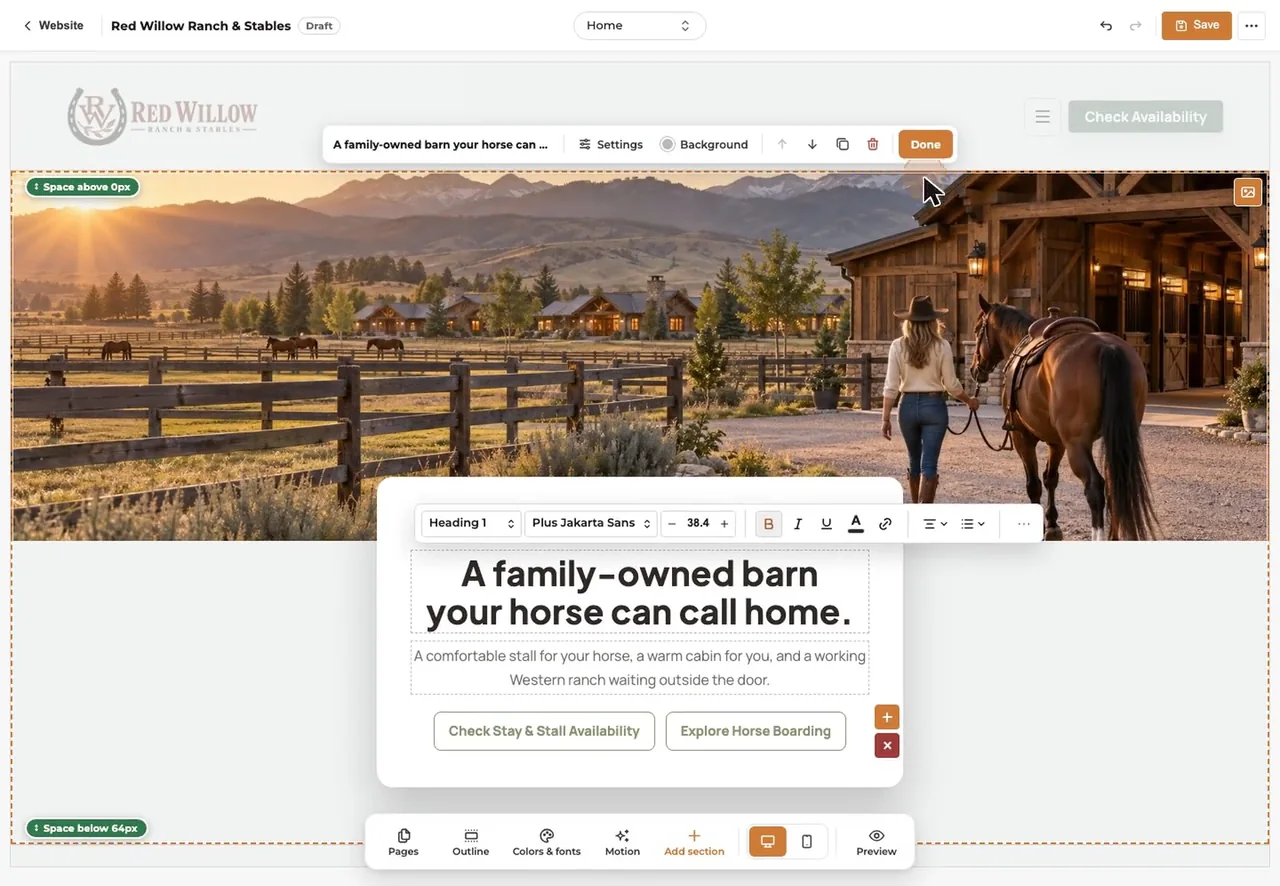
- Make it yours. Click any word, price or photo to change it. Put in your towns, route days, services and prices.
- Set up booking. Add trims and shoeing as bookable services, with approval on.
- Check it on your phone. The editor has a phone view, so you see each page the way clients will.
- Publish. After the first publish, every save goes live right away.
- Add your own address if you want one. Every site gets a free westernwebco.com address. A .com through WWC is $10.88 a year, the registrar’s price with no markup1.
How much does a farrier website cost?
Short answer
With WWC, it’s $39.99/month. One price for everyone. That covers the website, hosting, booking, digital forms, online payments, security and real support, and our team will build the site for free.
Bought separately on monthly plans, a website builder, a booking tool and a waiver tool came to $59 a month when we checked: Squarespace Basic at $252, Calendly Standard at $123 and Smartwaiver Basic at $224. Paying a year up front lowers some prices: Wix Core is $29/month billed yearly and includes booking, payments and a form signature field5.
Hiring the build out costs more. GoDaddy’s design service starts at $499.99 plus a yearly hosting fee6, and designers on the Wix Marketplace list starting prices from $100 to $1,8007. Your own .com through WWC is $10.88 a year at cost1.
- Website · Squarespace Basic2$25.00
- Booking · Calendly Standard3$12.00
- Waivers · Smartwaiver Basic4$22.00
- Bought separately$59.00
- WWC, with payments and records$39.99
Per month. WWC adds no transaction fee; the payment provider’s own fees apply. Checked October 22, 2026. Sources
Questions farriers ask
Do I need a website if my clients already text me?
Texting works for clients who have your number. A website is for the ones who don’t yet: people who heard your name at the barn and want to know your area, your prices and whether you’re taking new horses before they reach out.
Can new clients fill out a form before the first visit?
Yes. With WWC you can send a new-client form as a link, so the owner fills in their horses and barn details on their phone before you show up. If you also use a liability release, they can e-sign it the same way. E-signed agreements are common; ask your attorney what your state requires.
Do I need my own domain?
No. Every WWC website gets a free westernwebco.com address. If you want your own .com, it’s $10.88 a year through WWC, with no markup.
Does WWC take a cut of my payments?
No. WWC adds no transaction fee. You pay your payment provider’s own fees and nothing more.
Can I change my route or prices myself?
Yes. Click the text on your site and type. After your first publish, every save goes live right away.
 Written by the Western Web Co. team. We’re family owned and build WWC in Cave Creek, Arizona.